
Club PKR Game Download
Want Club PKR on your phone? The file is small, the download costs nothing, and you’ll be set up in roughly two minutes.
First, a heads-up. Use the official site only. Those APKs doing the rounds in WhatsApp groups – plus any “MOD” or “cracked” build claiming unlimited coins – are nearly always fake. Want a look at the games first? Have a browse of the Club PKR home page.
What You’re Downloading
| Item | Detail |
|---|---|
| App | Club PKR Game |
| Version | Latest version (2026) |
| Format | Android APK or in-browser play |
| Size | Lightweight – a few MB |
| Needs | Android 5.0 or higher |
| Storage | Free space for install and updates |
| Category | Cards, Slots, Casino, Live |
| Pay With | JazzCash, Easypaisa, Bank |
| Currency | PKR |
| First Deposit Bonus | 108% – deposit 100+ PKR, get 208 PKR |
| Age | 18 and over |
| Price | Free |
Before You Download – Quick Check
Give your phone a quick once-over so the install runs clean:
- Android 5.0 or higher – the app needs this to run.
- Free storage – keep enough room for the app and updates.
- A steady connection – Wi-Fi or mobile data both do the job.
- A Pakistani number – you’ll verify it by OTP after install.
Being lightweight, it runs comfortably on budget phones – Samsung, Xiaomi, Oppo, Vivo, Realme, Tecno, and Infinix all handle it without trouble.
Why Download the App (Not Just the Browser)?
The browser works fine, but the app pulls ahead:
- Faster and slicker than playing in a browser.
- One tap to open – no typing the address each time.
- Every game, bonus, and live event gathered in one spot.
- Notifications for bonuses and events reach you first.
How to Install It
An easy run-through – nothing tricky even if APKs are new to you:
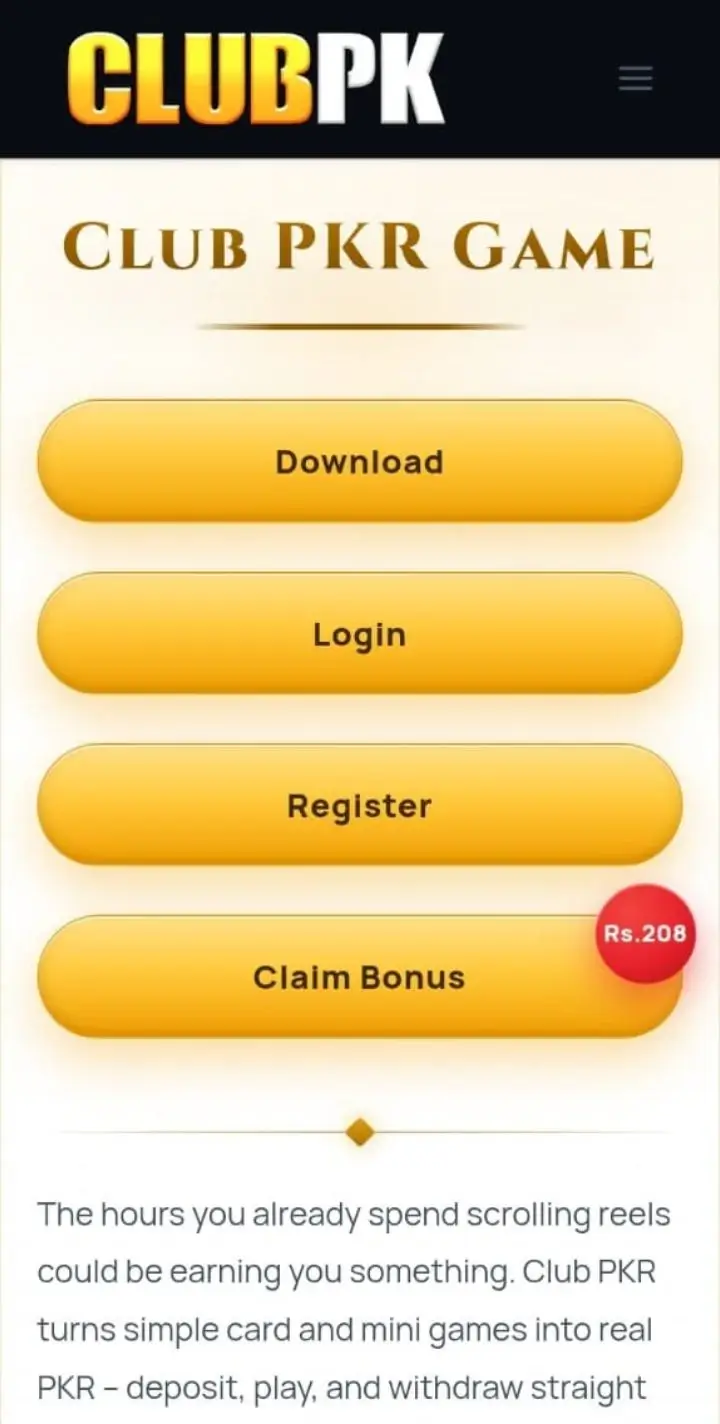
- Head to your browser and open the official Club PKR site.
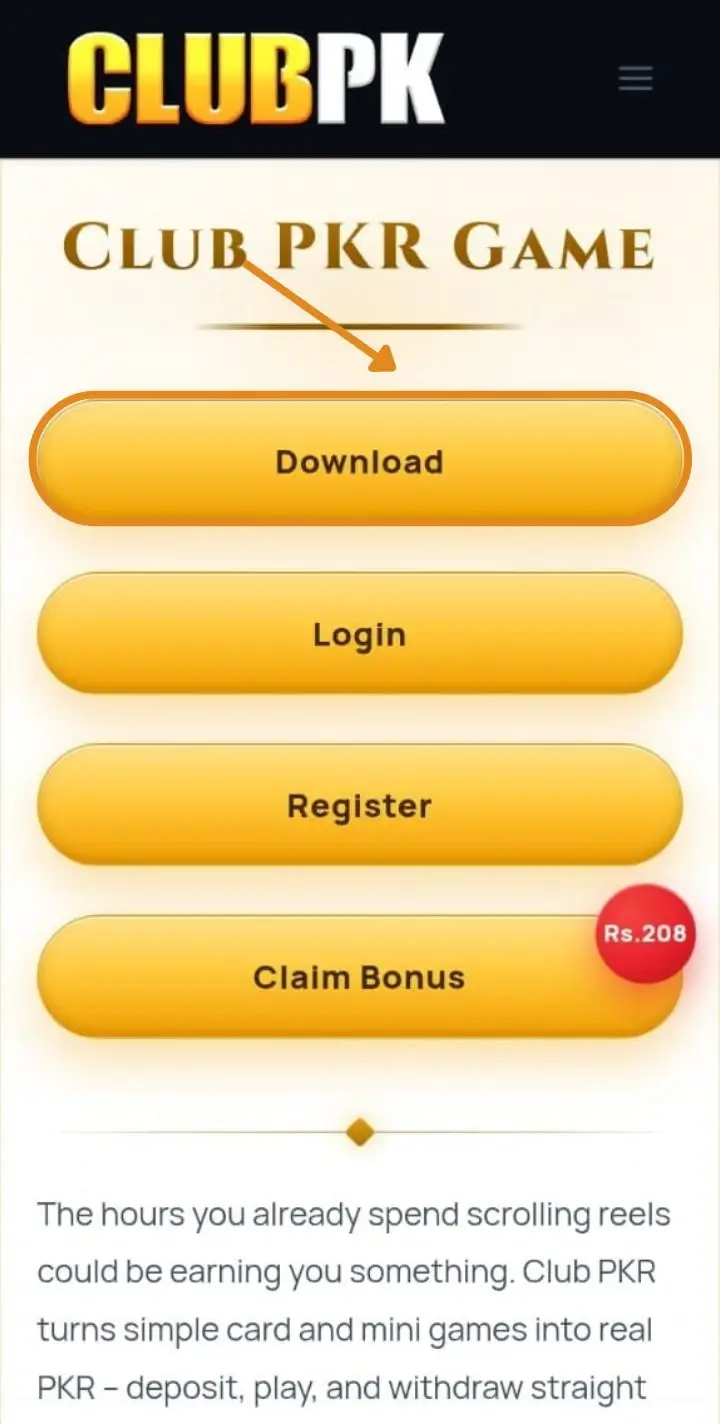
- Press the Download APK button and let the file finish saving.
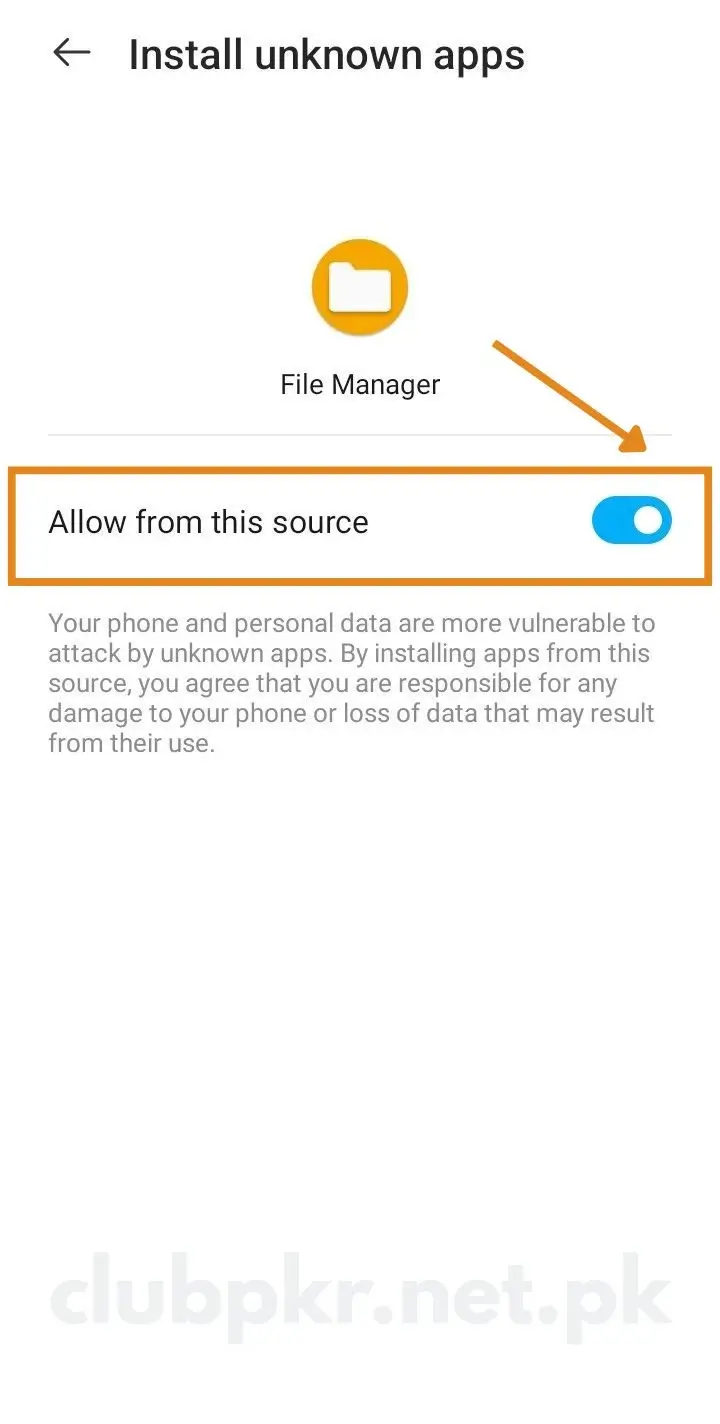
- Open Settings > Security and switch on “Install from Unknown Sources.”
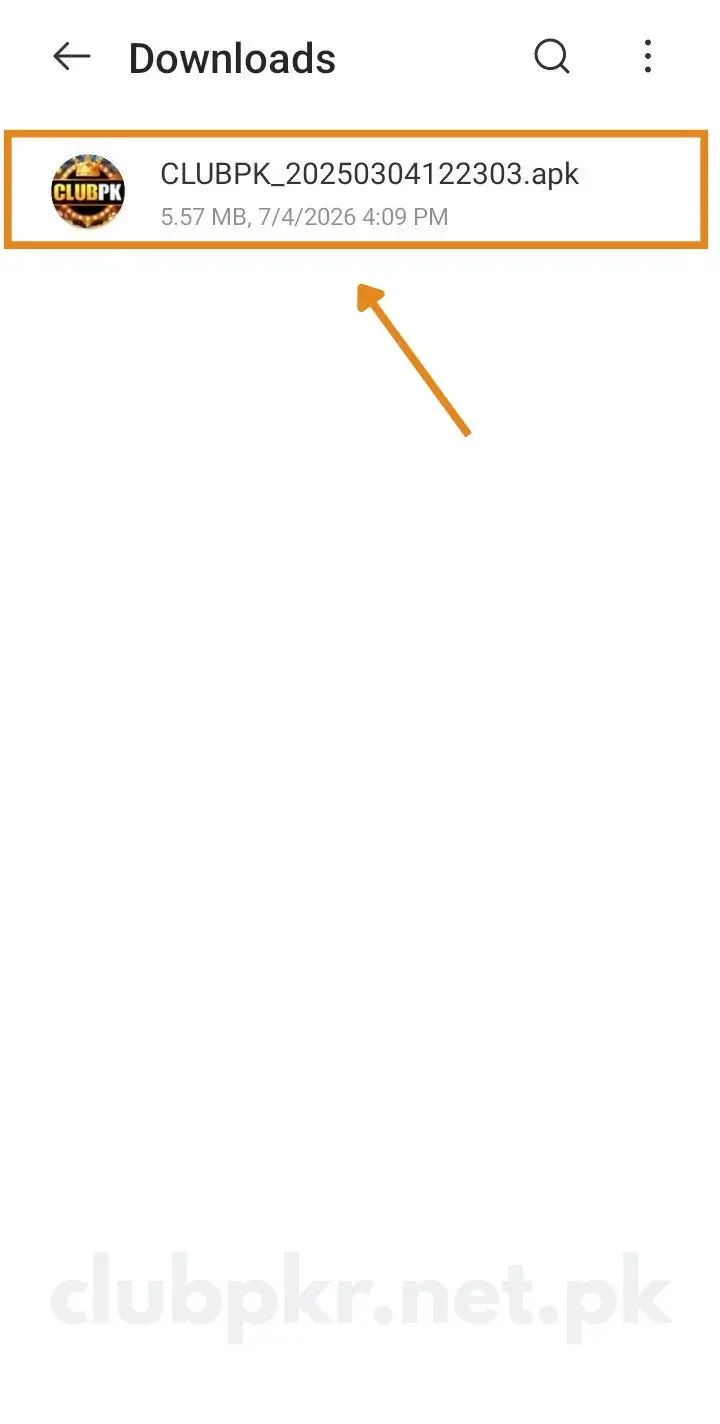
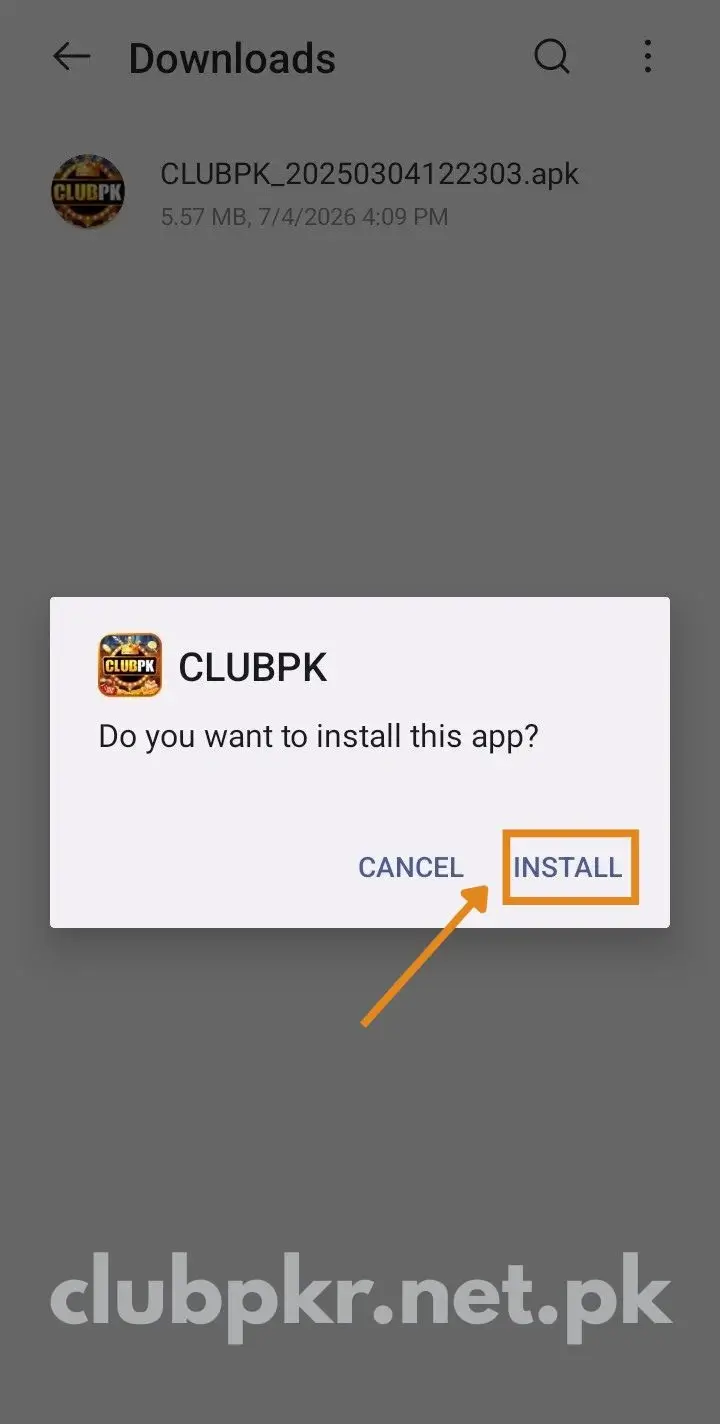
- Locate the file in your Downloads and tap it open.
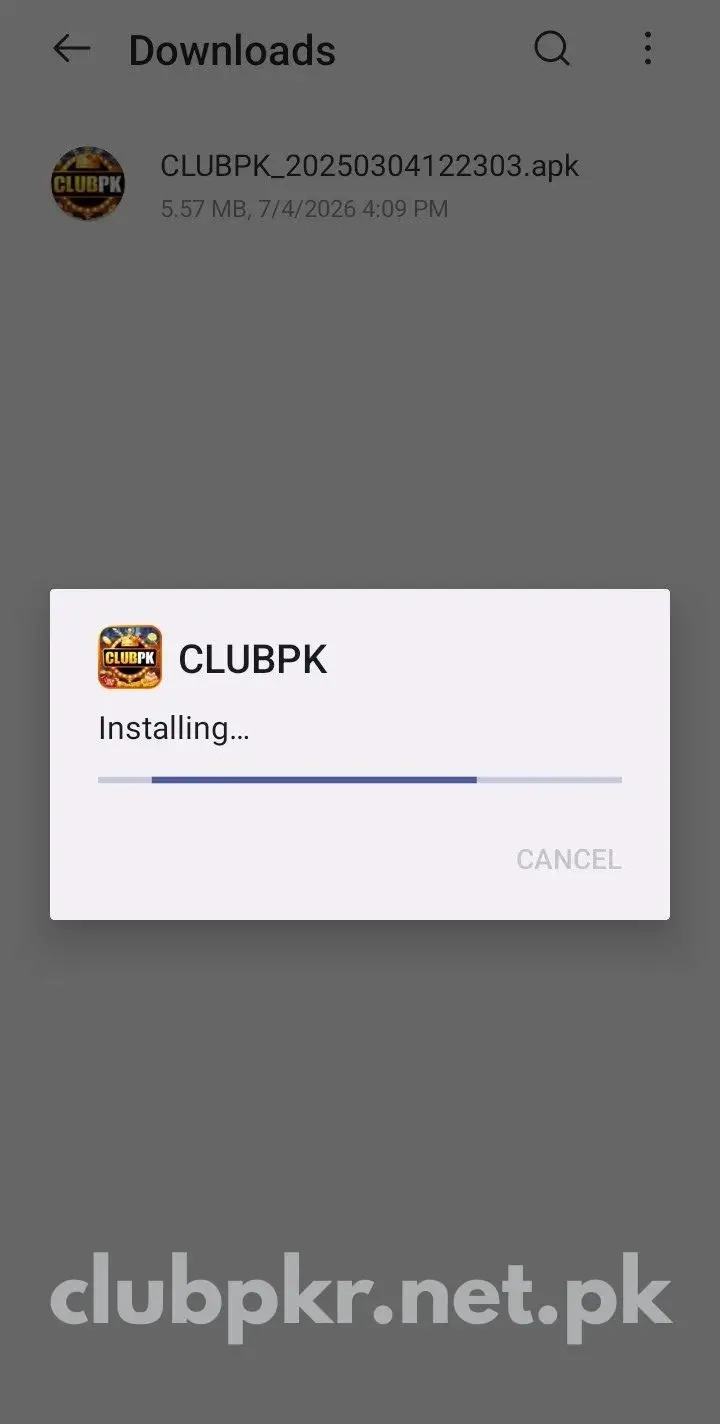
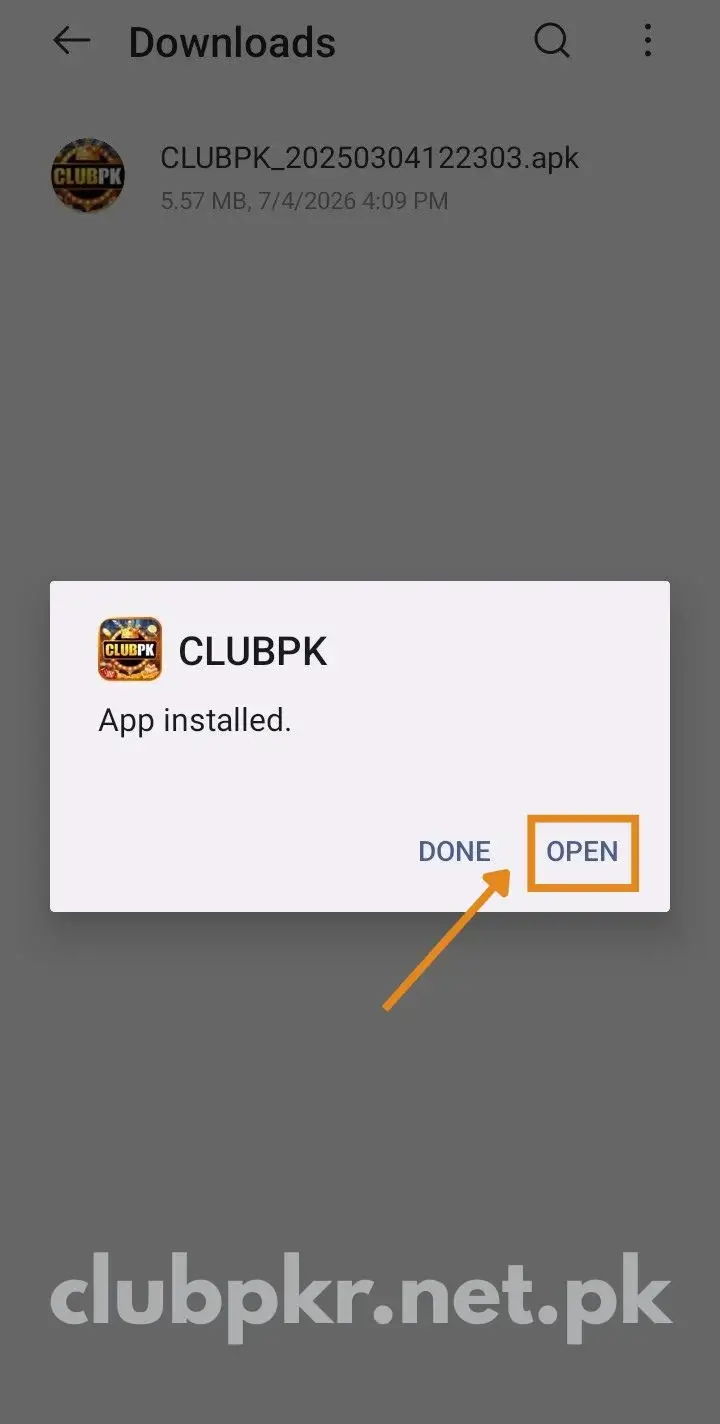
- Hit Install, give it a few seconds, then launch the app.
Tip: use mobile data for the download if Wi-Fi stalls on the first try. Some network setups block APK downloads over Wi-Fi.
A Quick Word on “Unknown Sources”
During install, a warning may pop up. Nothing to worry about:
- It shows for anything installed from outside the Play Store.
- As your file is from the official site, it’s safe to allow.
- After installing, you can turn that setting off again if you like.
On PC and iPhone
There’s no standalone app for PC or iPhone, but you’re still sorted:
- On iPhone or iPad – load the official site in Safari and use the browser version; deposits and withdrawals work there as well.
- On PC or laptop – just open the official website in any browser, with nothing to download.
The full platform runs in the browser, so your account, balance, and bonuses stay the same across devices.
After It’s Installed
With Club PKR installed, here’s what comes next:
- Launch it and tap Register.
- Type in your mobile number and confirm the OTP.
- Create a login password plus a separate transaction password.
- Grab your welcome bonus, then top up from Rs 100.
Prefer to look around first? Tap Play as Guest to explore before signing up. The full sign-up steps are on the registration page; returning players can head to the login page.
Why the Official Site Matters
Fake sites and dodgy APKs are all over the place, and a random link puts your phone and money at risk. The official APK gives you:
- No malware – a clean file with nothing nasty bundled in.
- Genuine payments – deposits land at the real gateway, never a scammer.
- Fair games – a proper certified RNG, not a tampered copy.
- Everything unlocked – all games, bonuses, and VIP levels available.
- Real updates – fresh versions flagged the moment they drop.
Keeping the App Updated
From time to time a new build appears, patching bugs, adding games, and boosting security:
- Grab the latest APK from the official site.
- Install it right over the existing one.
- Your account and balance stay intact – nothing gets lost.
If It Won’t Install
Most install hiccups are minor and quick to fix:
- “App not installed” / “Install blocked” – Unknown Sources is off; enable it in Settings > Security and try again.
- “Insufficient storage” – free up space and try again.
- “Parse error” – the file downloaded incompletely; delete it, check your connection, and fetch it again.
- App lags or crashes on opening – clear the cache, update the app, restart the phone, and close background apps.
- Download won’t start – check your internet and storage, and confirm Unknown Sources is on.
- Still stuck? – reach the 24/7 in-app support chat for help.
Staying Safe
As you’re installing it yourself, a few simple habits help a lot:
- Only download from the official site – never a random link.
- Keep your password and OTP private – share them with nobody.
- Use a separate transaction password for cashouts.
- Double-check payment details on every deposit and withdrawal.
Last Word
That’s the lot – check your phone, get the file from the official site, allow unknown sources, and install. Done in a couple of minutes.
And since this is real money, set a budget before you put anything in. For the full game and payment details, drop by the official Club PKR site.
FAQs
Is the Club PKR download free? Totally free. No registration fee – money’s only involved if you decide to deposit and play.
How do I download Club PKR on Android? Head to the official site, tap Download APK, switch on unknown sources in Settings > Security, then open the file and press Install.
Is Club PKR on the Play Store? No. Google keeps most real-money gaming apps off the store, so the official site is your only safe source. iPhone and PC users play via browser.
What do I need to run it? Android 5.0 or higher, some free storage, a stable internet connection, and an active Pakistani mobile number.
Why does my phone warn me while installing? That’s standard for any app from outside the Play Store. Since your file is from the official site, it’s safe to allow.
The APK won’t install – what do I do? Check Unknown Sources is enabled and you have free space. A “parse error” calls for a fresh download. Reboot the phone if it still refuses.
Should I download a MOD or hacked version? No. Those MOD versions boasting endless coins are fake and risky – they can lift your data or get your account banned. Stick to the official APK.
Can I download it on PC or iPhone? Neither has a standalone app, but both load the complete platform – deposits and withdrawals included – in any web browser.
Will an update delete my account? No. Your account ties to your mobile number, not the app file, so it survives every update untouched.
Can I try it before registering? Yes. Tap “Play as Guest” to explore the app before creating an account.